
01
Upload one photo
Find a sharp photo with a single, clearly visible subject. Use your own portrait, a pet, or a character you created.
Put your own character in a music-led party performance. Start with a single photo.
A prepared dance scene, synchronized sound, and your own main character.
You, a friend, or an unexpected character.
100 credits15 seconds · 720p MP4
View one-time credit packsYour download includes synchronized music.
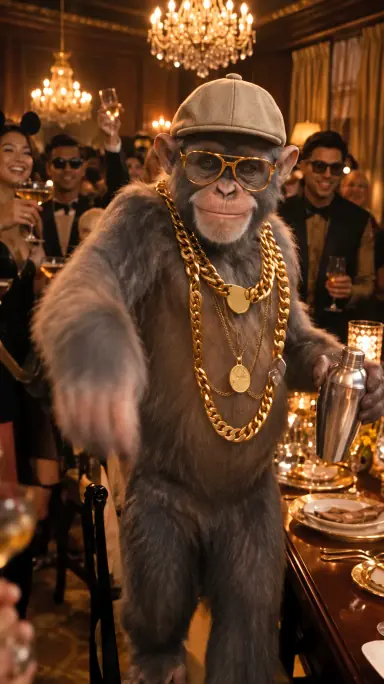
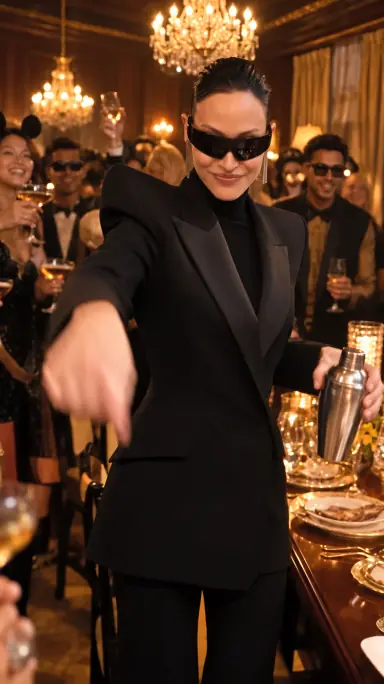 Example video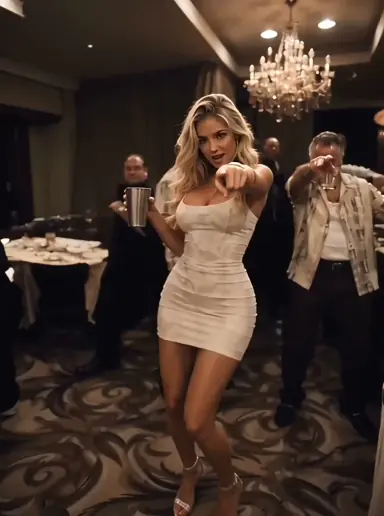
Same trend.
Your main character.
One photo becomes a party performance with music, movement and your own main character. Follow this blue-jacket bear through four moments of a full 20-second Drake AI video.
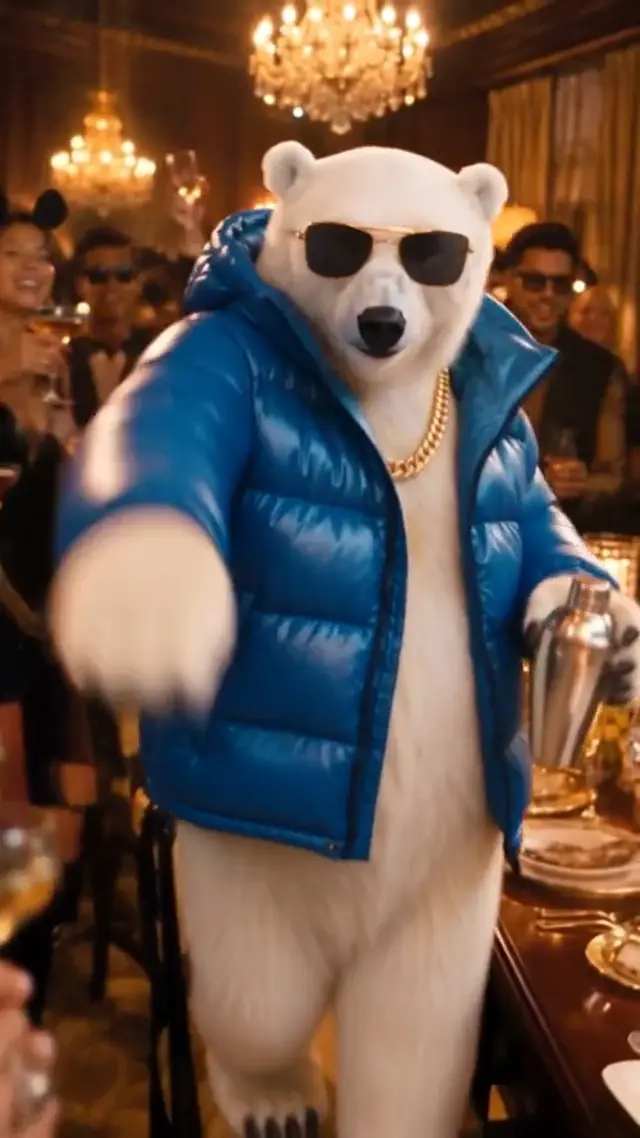
Your character steps into the warm party scene and takes center stage.
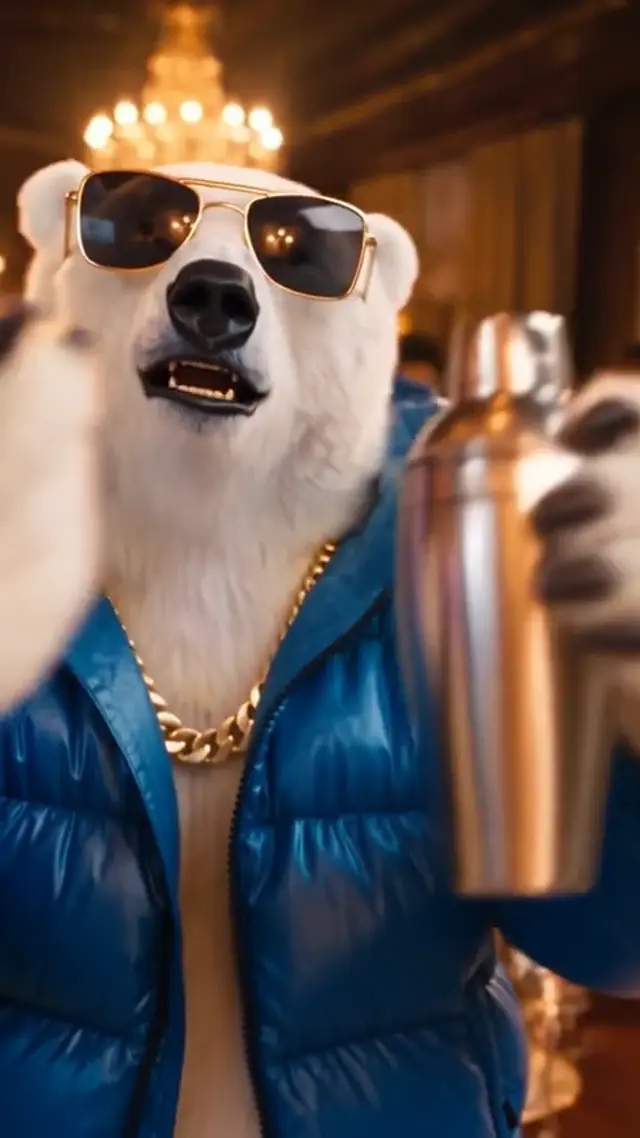
Move toward the camera and bring personality to the performance.
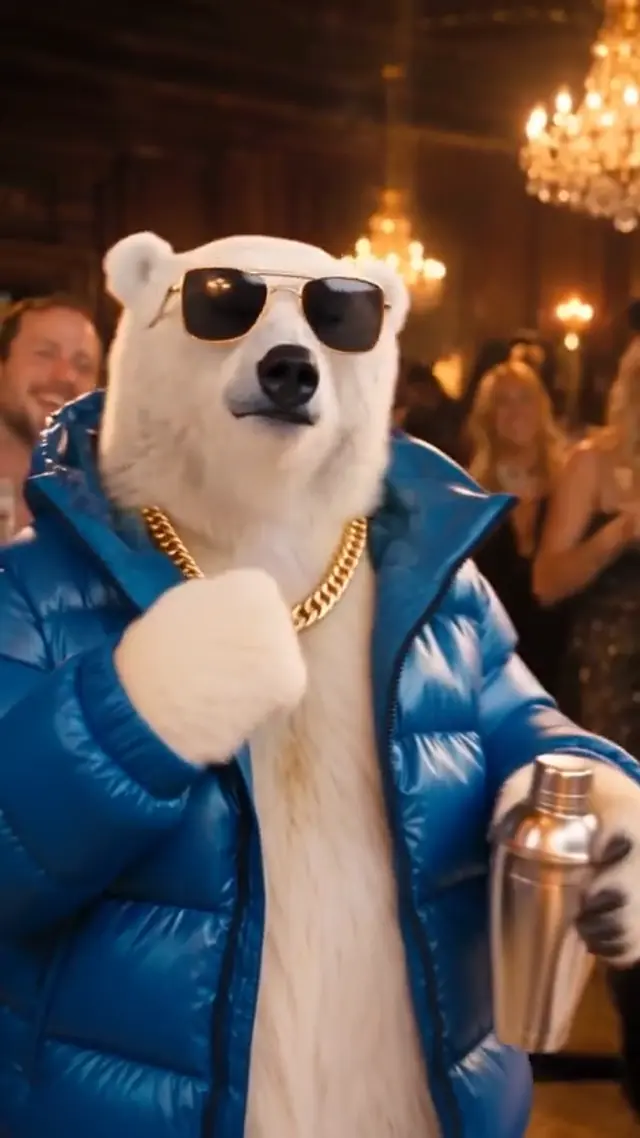
Big gestures, rhythmic movement and a crowd ready to join the moment.
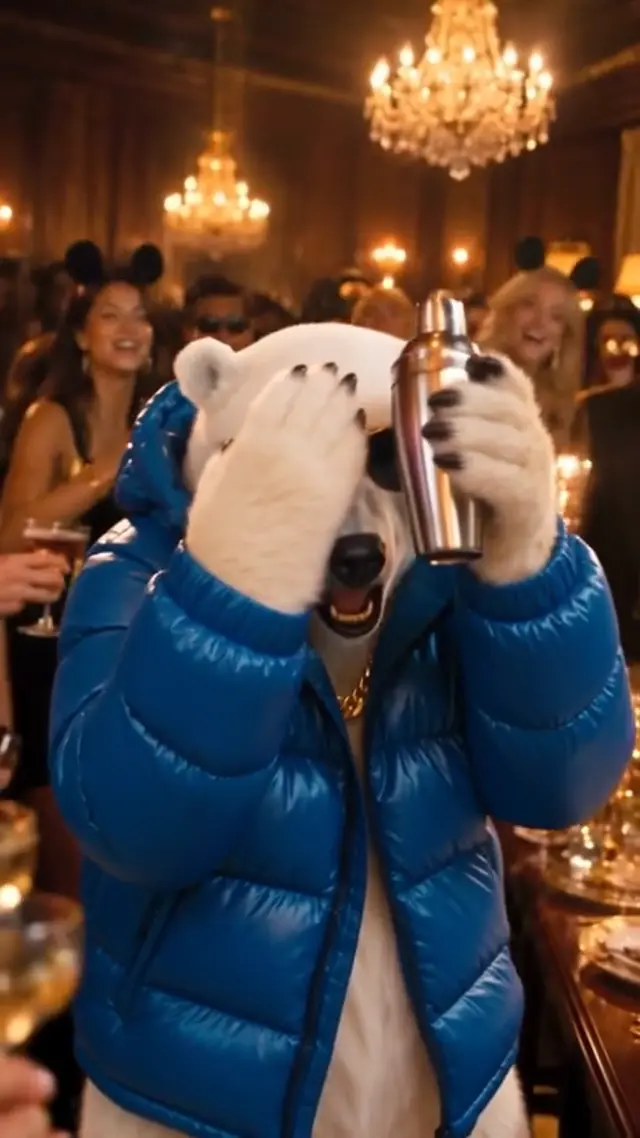
Look across the room and land a final gesture made for the replay.
Shown with an example character. Shorter clips condense the performance; generated movement and timing can vary.
The Drake AI trend puts an unexpected performer in a lively lounge scene. A portrait, pet or original character takes over the familiar gestures and camera moments of the Burning Bridges party format.
Start with one image and create a new 15- or 20-second clip. Prepared motion and audio references guide the performance, while your photo supplies its identity. Review the MP4 with sound: the setting, likeness and timing can vary.
Understand the trendExplore the specific scene, watch template examples and make your version.
Choose your portrait, set up your clip, and let the performance begin.
Find a sharp photo with a single, clearly visible subject. Use your own portrait, a pet, or a character you created.
Set your model, duration and frame. The prepared party reference supplies the movement, lighting and performance direction.
Check the result with sound, download your MP4, and share the take you like. Your finished clip stays in your account.
See how a new face changes the same party performance.
A portrait becomes a chandelier-lit party performance.
A polar bear brings its own main character energy.
A playful character remix in the golden lounge.
A second portrait performance with a different mood.
A white-vest portrait performance in the chandelier-lit lounge.
A black-dress portrait brings a new mood to the golden lounge.
A close-up performance with the whole party in frame.
A white vest, silver chains, and a widescreen party scene.
Provided example videos. Personalized results vary; example lengths and audio may differ from new generations.
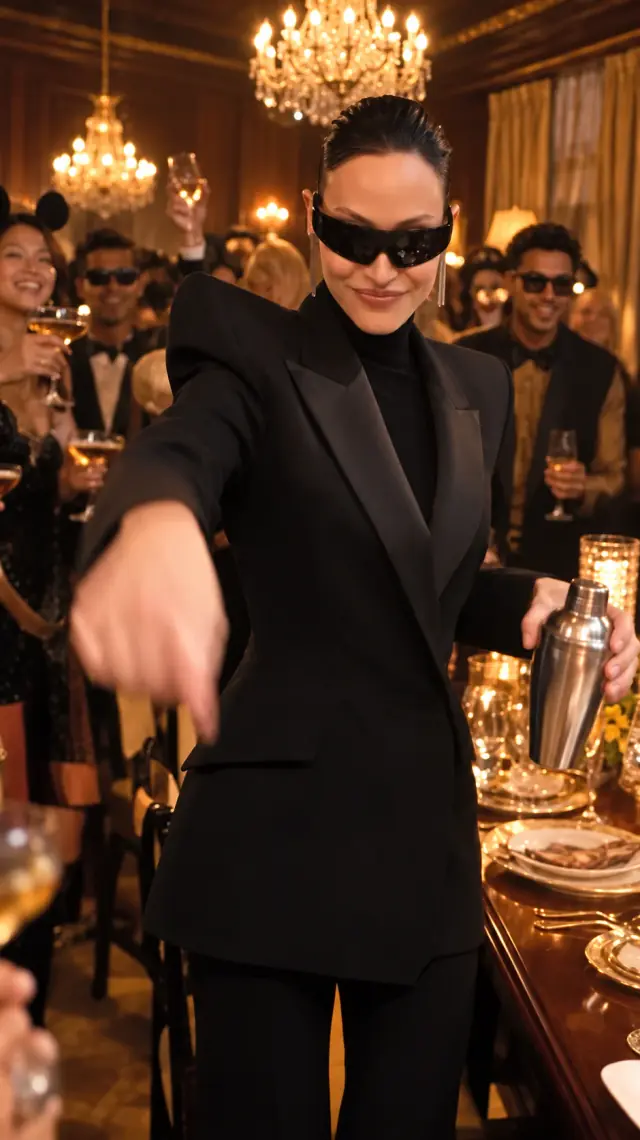
Bring a face to a performance that already has its own rhythm.
The image you choose gives the model a visual identity to carry through the performance. Keep the face clear for a stronger starting point.
A warm lounge, a lively crowd and the reference gestures create the backdrop for your personalized performance.
Go vertical for TikTok, Reels or Shorts, or choose a landscape frame to show more of the room. Both download as 720p MP4s.
Review the credit price for your selected model before starting. Packs are paid once, and confirmed failed jobs return the credits reserved for that attempt.
Choose the guest who would make this party more interesting.
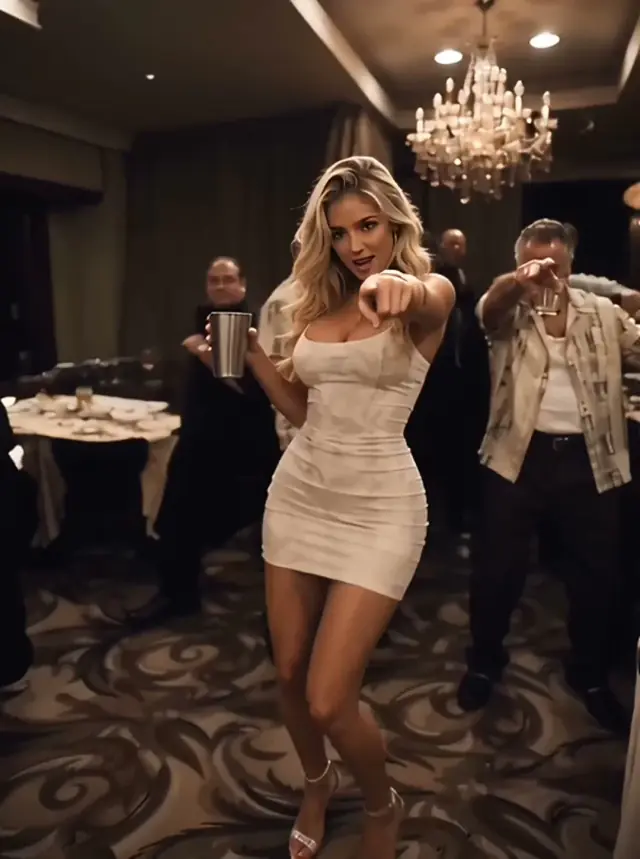
Give a favorite portrait a new setting: warm lights, a lively room and a performance built around your chosen face.
Try a portrait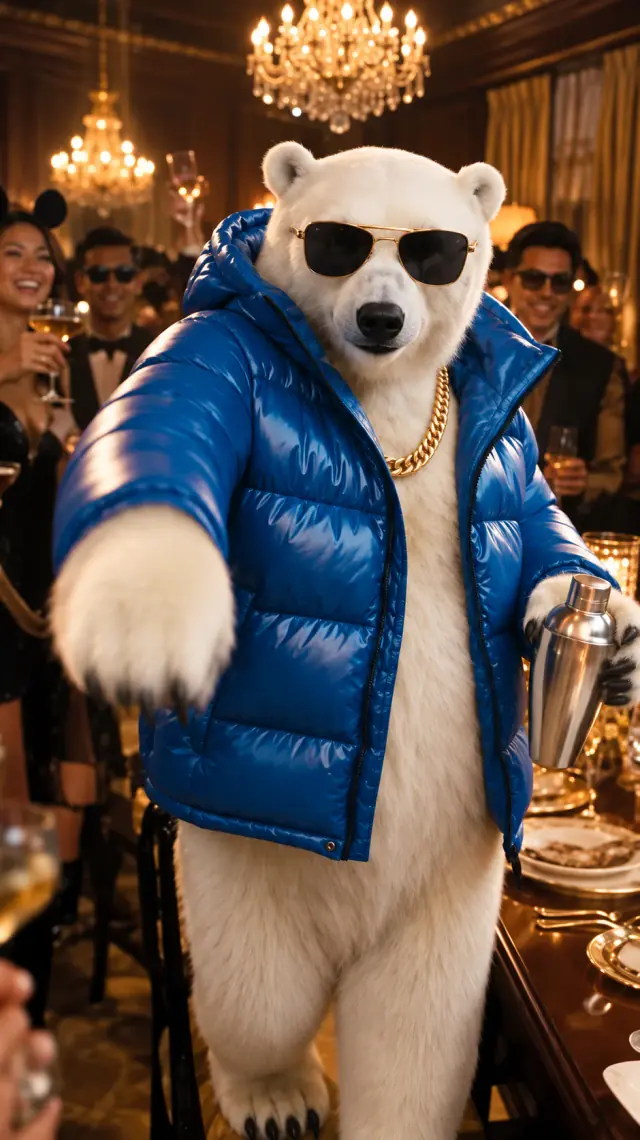
Try a clear photo of your pet for an unexpected lounge guest. The reference guides the rhythm while the image guides the animal’s appearance.
Remix a character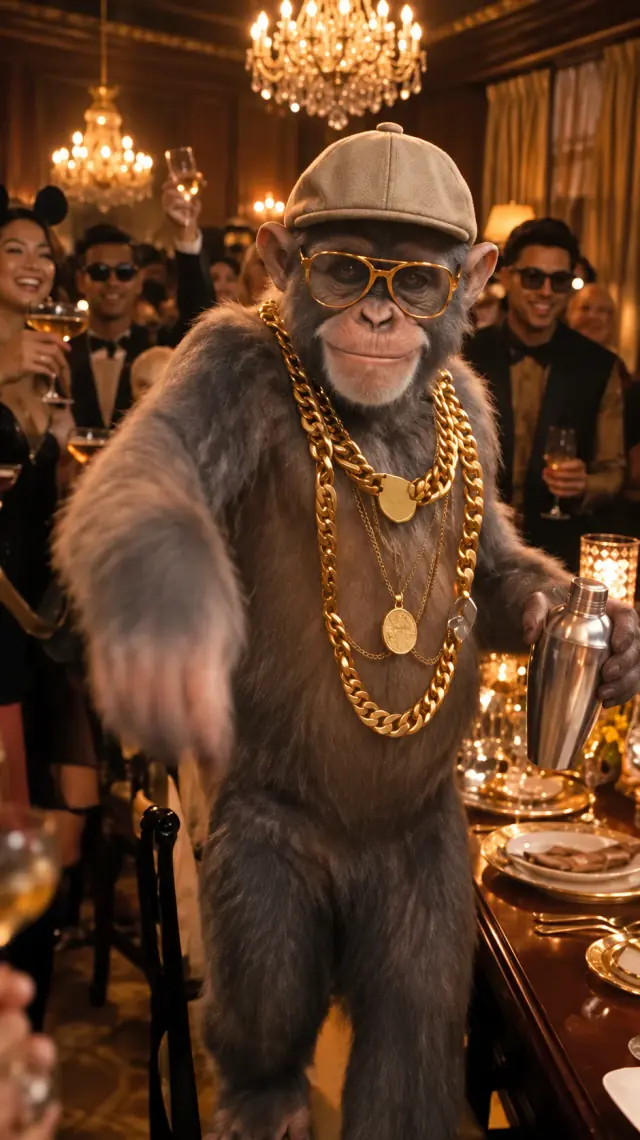
Use an original character or a consenting friend as the lead. A recognizable guest can turn the familiar performance into a group-chat remix.
Make a playful takeStart with a photo that makes your character easy to recognize.
Upload your photo & createChoose soft, even light and an unobstructed face. A simple background and a single subject are easier to interpret than a busy group photo.
The scene direction is prepared for you, including motion and musical references. Add your image and choose your settings without writing a performance prompt.
“A warm party scene, one main performer, rhythmic movement, and singing along to the soundtrack.”
Your new video includes synchronized music. Preview the sound and performance together before you post.
Find the original songA focused tool for one photo, one performance, and your next post.
No second portrait, complex timeline, or template editor.
Choose a frame that fits where you want to share.
720p output in a familiar, downloadable video format.
Check progress and revisit finished clips in My videos.
Buy credits once. Choose your model and length. No subscription.
100 credits · ≈ 1 video
≈ $4.90 / video
300 credits · ≈ 3 videos
≈ $3.30 / video
800 credits · ≈ 8 videos
≈ $2.49 / video
Secure checkout Pay once · Use across models
Full refund within 7 days if the entire purchased pack is unused. Consumed credits are generally non-refundable. Verified duplicate charges are refunded. Read our payment and refund terms and Privacy Policy before purchase. Applicable taxes and the final total are shown at checkout.
Video counts and prices per video assume Standard (Seedance 2.0 Mini) at 15 seconds, using 100 credits. Other models and durations use more credits. Confirmed failed generations return the credits to your account. Downloads are 720p MP4s with synchronized audio.
| Model | 15s | 20s |
|---|---|---|
| Seedance 2.0 Mini | 100 | — |
| Seedance 2.0 | 500 | — |
| Seedance 2.5 | 750 | 1000 |
Everything to know before you take the spotlight.
It turns one photo into a short party-performance video inspired by the Burning Bridges format. Upload a portrait, generate your clip with synchronized audio, and download the MP4 to share.
Upload one clear JPG, PNG, or WebP photo, choose a model and length, then sign in and generate. The credit cost is shown before you start. The AI places your subject in a warm lounge scene with rhythmic gestures. Download the MP4 when it is ready.
Just one. Use a clear image of one person, pet, or original character. Two-person photos are harder to interpret and are not recommended.
Your personalized MP4 includes synchronized audio guided by the reference soundtrack. Music, performance and timing can vary between generations. You can also choose a sound from your publishing platform’s audio library.
Buy 100 credits for $4.90, 300 for $9.90, or 800 for $19.90 USD. These cover 1, 3, or 8 Seedance 2.0 Mini videos at 15 seconds. Other models and lengths use more credits. Each pack is a one-time purchase with no recurring subscription. Purchased credits do not expire.
Choose an unobstructed face in good light, with one subject and a simple background. Images must be JPG, PNG, or WebP, at least 300 × 300 pixels, no larger than 10 MB, and have a width-to-height ratio between 0.4 and 2.5. Avoid heavy blur or filters. Identity and motion can vary between generations.
Generated videos are 15- or 20-second, 720p MP4s. The 20-second option is available with Seedance 2.5. Choose vertical 9:16 or horizontal 16:9. The supplied examples may have different lengths and resolutions.
Your video may take a few minutes, depending on demand. Track its progress here or check the result later in My videos.
A confirmed generation failure returns the reserved credits to your account. If a provider submission is uncertain, the task is kept for reconciliation instead of automatically submitting and charging again.
Learn the steps, understand the trend and find the original sound.
Two photos, one prepared scene: recreate the hush, reactions and dance.
6 min read